For macOS · Your second screen
A second screen that keeps you in the work
Put a living ocean, forest or night sky on the monitor beside you. It moves with whatever you are already playing, never asks for a glance, and gives the hours you need to concentrate somewhere calm to rest against.
Ten worlds, free forever. No account, no card, nothing to expire.
A calm place to work
Almost everything on a screen is built to pull you somewhere: a notification, a feed, the next thing already queued up. TideGlass is the counterweight. It moves with whatever you are already playing, never asks for a glance, and leaves you a calm room to think in.
Made for deep work
Calm motion at the edge of your vision keeps you in flow, and asks for none of your attention. After a day you stop noticing it, which is the whole idea.
It asks nothing of you
There is nothing to scroll and nothing queued up next. It sits there and moves, and the audio you chose is what moves it.
Calm on tap, day or night
Reading after dark, or a room full of people and the big screen on. It gives the room a soft, moving light to sit in.
A library that keeps growing
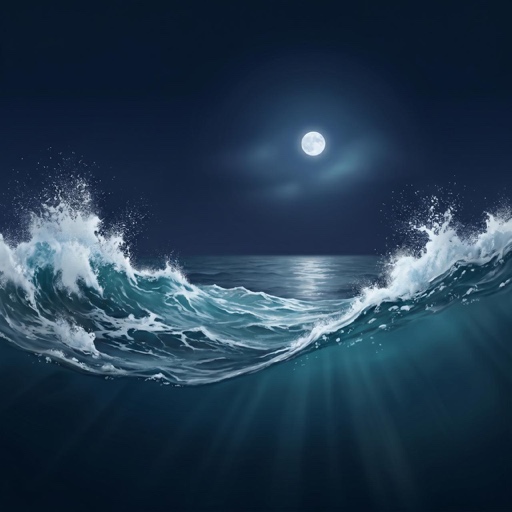
Every one is a living simulation with its own rules. Weather moves through them, creatures hunt in them, light travels across them, and whatever you are playing stirs the whole thing. A few of them, here.
- Oceans & Rain
- Forests & Fields
- Night Lights
- Deep Space
- Skies & Peaks
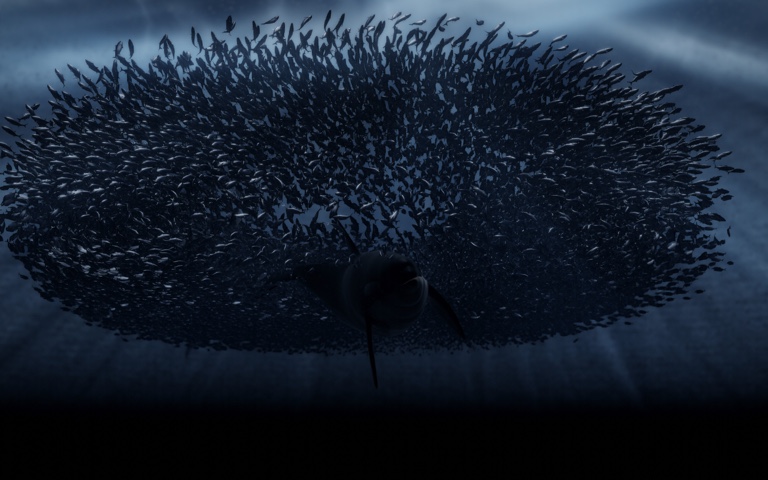
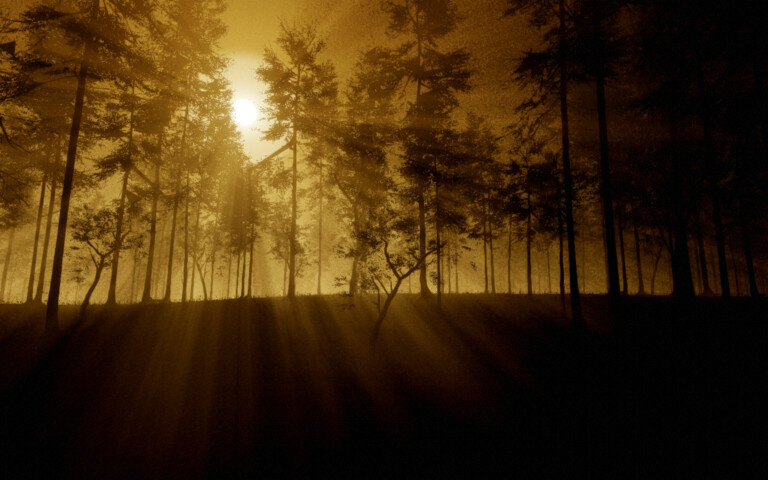
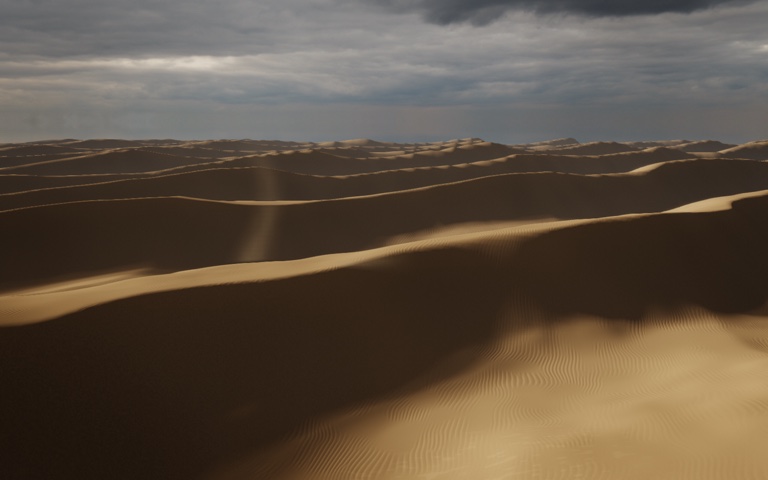
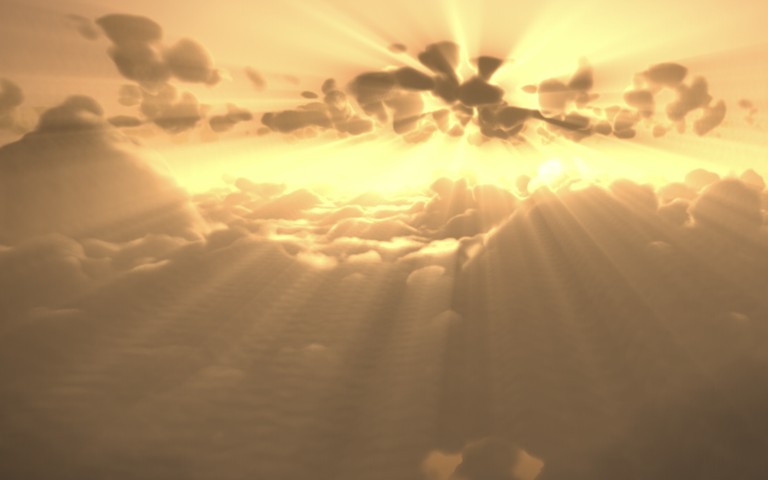
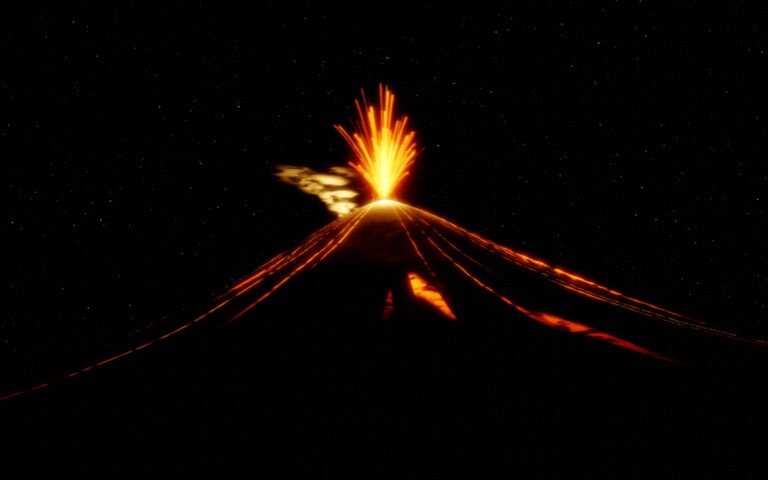
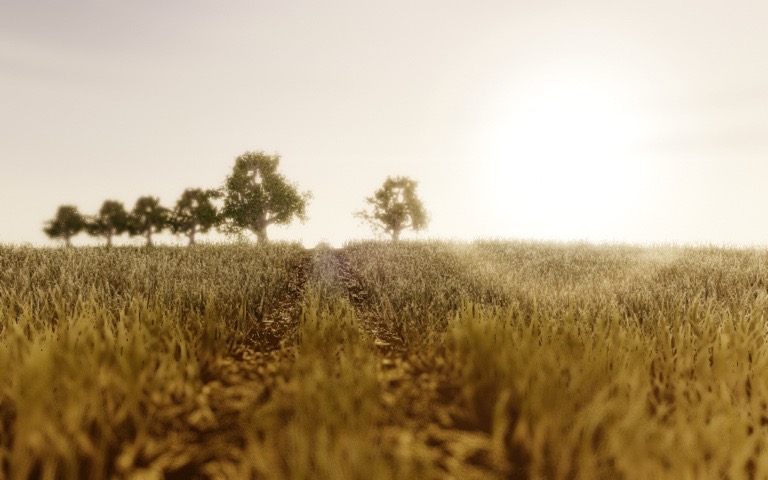
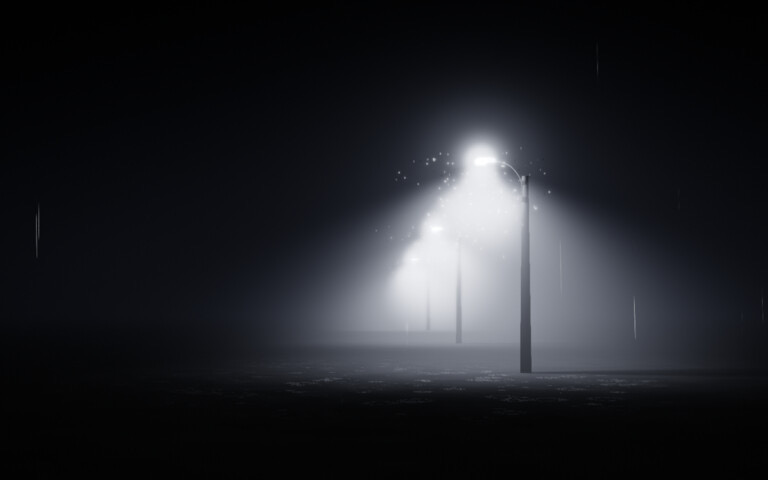
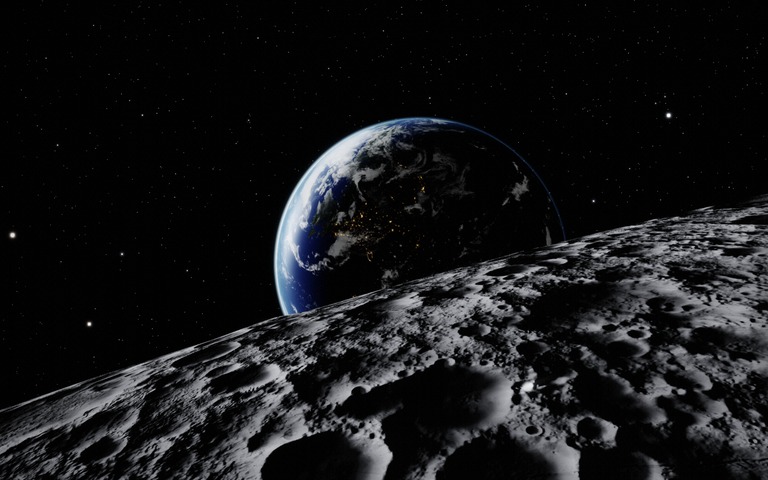
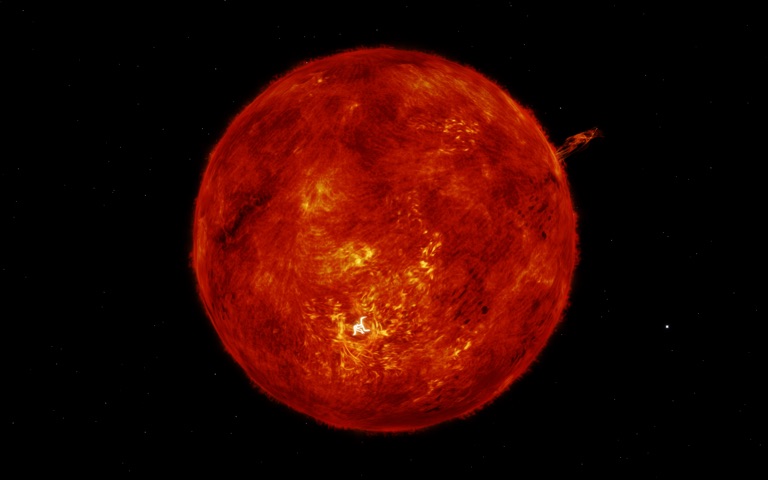
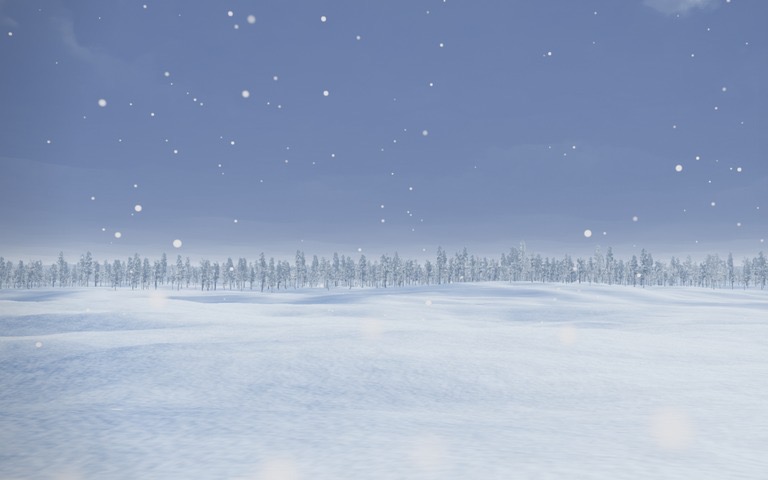
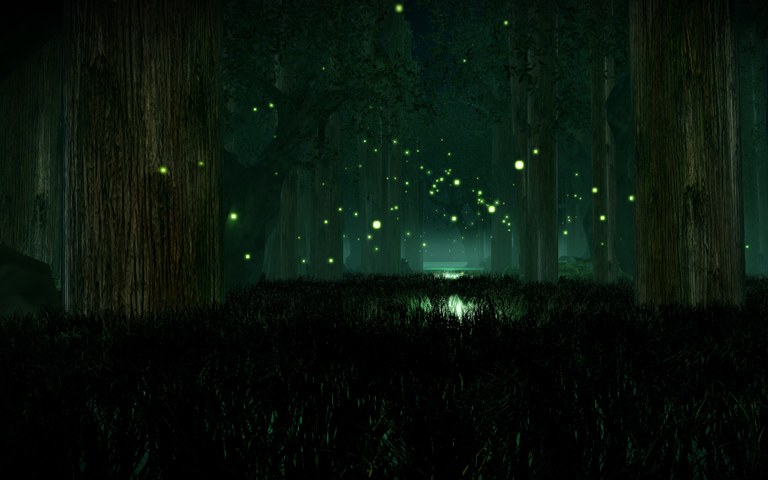
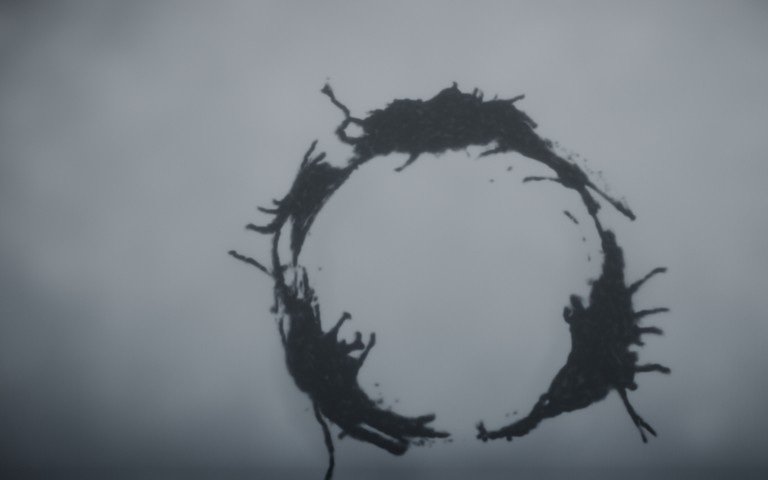
Becalmed · Tempest · Stillwater · Goldfields · Rainveil · Gargantua · Sunglade · Fireflies, and many more, sorted into five families and laid out by colour.
Two companions in the corner
A second monitor can earn its place twice over. Both of these sit in a corner, fade out when you stop moving the mouse, and never cover the world.
What is playing, right there
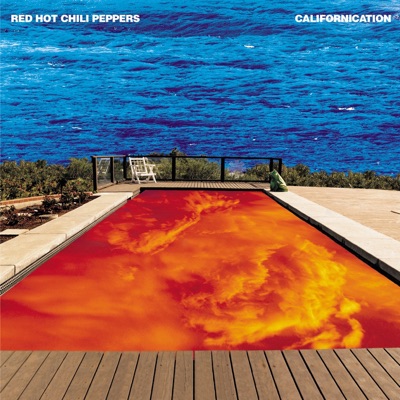
Cover art, title and artist for the track you have on, with skip and pause under your cursor. You can put it in any corner, size it, or have it show only when you reach for the mouse.
Works with Apple Music Spotify
A Pomodoro timer that fits the room
A real Pomodoro: twenty-five minutes of focus, a five minute rest, and a longer one after every third session. Change any of them once, get a soft bell at each turn, and watch a row of dots fill up behind you. It lives in the same calm as the world it sits on, so a finished session never yanks you out of one.
Standing desk? One switch and the timer also says when to stand: work sessions alternate sitting and standing on the rhythm the ergonomics research recommends, and each break ends with a plain stand up or sit down.
Anywhere the music is already playing
It was built for the monitor beside your work, and it turned out to be just as at home on a projector, a wall screen or a stream.
- Producers and engineers
- A second screen that answers the mix instead of competing with it. The wind comes up as the track does, so a long session has something to rest your eyes on between takes.
- DJs and live sets
- Point it at the projector and it reads the room from whatever is playing, with no MIDI to map and no cue to hit. It holds a horizon behind the set and leaves the light show to the lights.
- Streamers
- A background that is always moving and never repeats, so a scene card does not go stale on a four-hour stream. No logos, no watermark.
- Cafes, bars and studios
- Somewhere between a fireplace and a window. Put it on the wall screen, leave it, and let the room’s own music decide what the weather does.
20% of every sale, given away
A fifth of what TideGlass earns goes to non-profits and environmental initiatives: ocean and forest conservation, wildlife protection, and the groups keeping the night sky dark.








TideGlass is not affiliated with, sponsored by or endorsed by any organisation named here. We simply give them money.
Set it once. Let it breathe.
Designed to stay out of your way
Every decision below exists to keep the screen from becoming one more thing that wants you, so the work stays the loudest thing in the room.
-
It never repeats
Weather arrives and passes. The animals go where they want. Light moves across the water and never comes back the same way. Leave it running all afternoon and you will not catch it starting over.
-
Your music moves the weather
Play something loud and the wind gets up, with the swell building a minute behind it. Play something quiet and the water settles. It answers the shape of a whole track, which is why nothing ever flashes in time.
-
Dark by default
A second monitor sits at the edge of your vision all day. Palettes stay deep and low-glare, as easy on your eyes at noon as at midnight.
Lots of happyness
Things people said when we showed the worlds, in their own words and their own spelling.
-
Best work I’ve seen of this type, congrats - stunning in concept and execution!
synodicmoon r/generative -
This is beautiful. I wish I could something like this for my phone, like when I’m in bed. So peaceful. Amazing work.
lunarvision r/TheDepthsBelow -
that looks so relaxing, honestly amazing work
Tight-Repeat7182 r/Astronomy -
Super cool, having this while I work sounds super relaxing indeed
HumanityOfAMoment r/Astronomy -
Breathtaking. Nice work!
drewbie_doobie r/Astronomy -
Im happy that this route was chosen to maximize the donations
hanskazan777 r/Astronomy -
That is really nice.
junglebunglerumble r/generative -
I looked at for some time thinking it’s real before I saw the sub
Elieftibiowai r/Simulated -
That totally looks lile straight from the movie. Consider me baffled! :O
Evening-Appeal7606 r/Simulated -
Rocking this today on my second monitor, setup was a breeze, love it!
leopic r/MacOS
Give the work a calmer room
Ten worlds are free forever. Put one on the second monitor and see whether the day goes easier.
Free start here
Ten worlds, no card, no clock running out.
- Ten worlds, chosen across the five families
- They react to whatever is playing, in full
- No account, no card, no trial clock
- Yours for as long as you use the app
Everything, later
Only if you want it. Unlocked from inside the app, never required.
- Every world in the app, and every world added later
- The now-playing card and the Pomodoro timer
- Use it on every Mac you own
- One payment. No subscription, no renewal
- 20% of your money given away, to conservation and non-profit work